HOW SEEDLY WORKS
From a little seed
to something yours.
Start with a working codebase and a companion to guide you. Make it your own, run it on your infrastructure, and bring in updates when you are ready.
 PixlSeedly Sites
 SproutSeedly CRM
 BuzzSeedly Communities
THE BIG PICTURE
A head start for what comes next.
Choose your codebase
Explore the four Seedly codebases, compare what each includes, and choose the starting point that fits your business and the work ahead.

Meet your companion
Follow your product's guide and companion through deployment, connect the services you need, and check the setup before opening it to users.
Make it your own
Apply your branding, adapt the code to your workflow, and review new releases as you keep building on the foundation you own.
A FRIENDLY FACE. A PRACTICAL GUIDE.
Meet your setup companion.
A familiar face and a guide tailored to your product.
🌱 Seedly CRMYOUR CRM COMPANION
Sprout.
A little guidance for your business’s new home.
Sprout walks you through prerequisites, your accounts, backend setup, and provider connections. Work through the guide at your own pace, with checks along the way.
The companions are guided setup tools that ship with the products. Claude Code is an optional way to work through the included instructions; it is a separate service.
NEW RELEASES. YOUR SCHEDULE.
See the change before you make it.
Back up your installation, preview the new files, and test before going live.
ILLUSTRATED FILE PREVIEW
See what changes. See what stays.
CRM, Sites, and Communities show a copy-and-keep plan before the helper writes files.

New releases.
Your next step.
YOUR BRAND. YOUR WAY OF WORKING.
Start with Seedly. Make it yours.
Use the built-in branding controls first, then extend the source where your business needs something different.
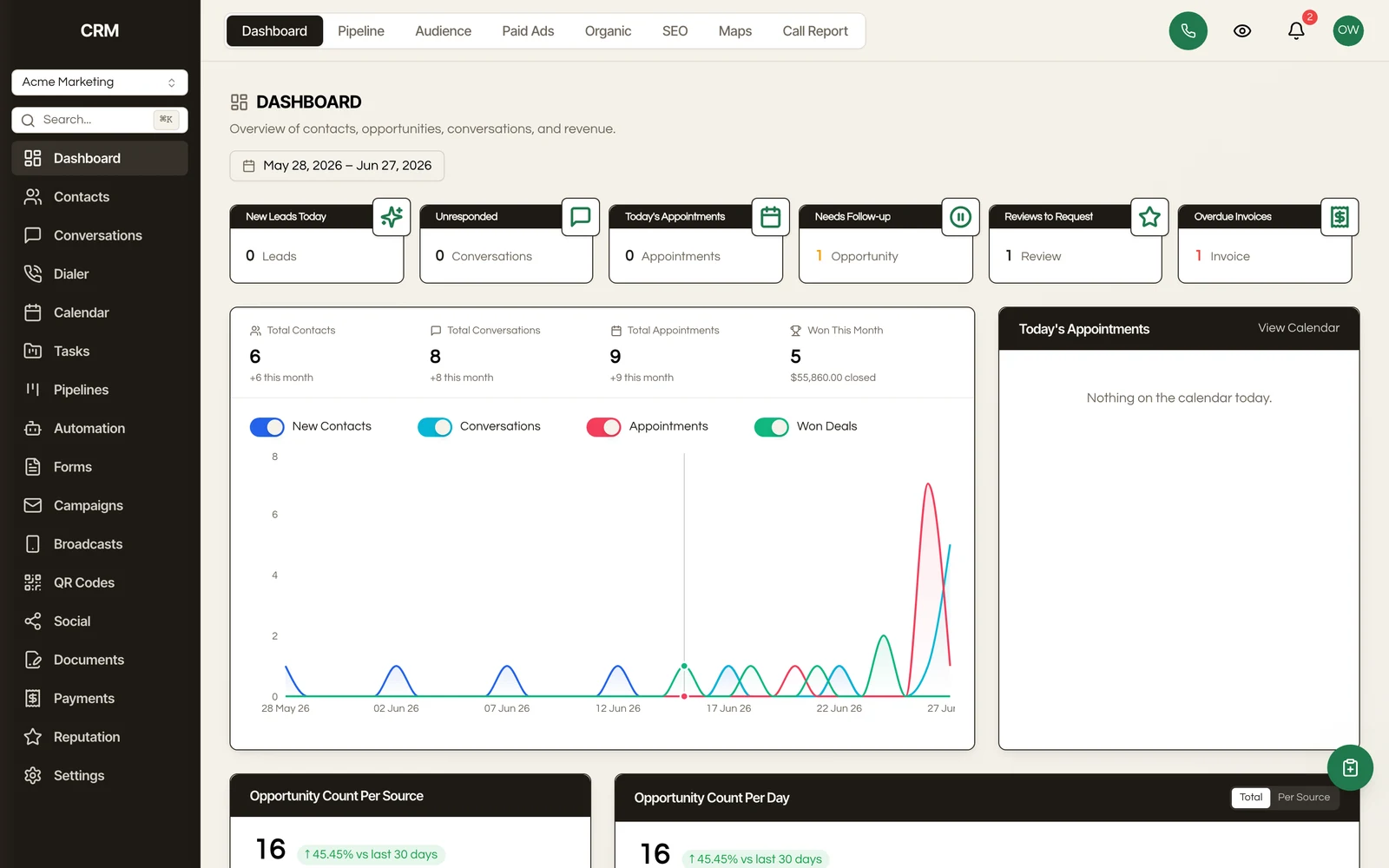
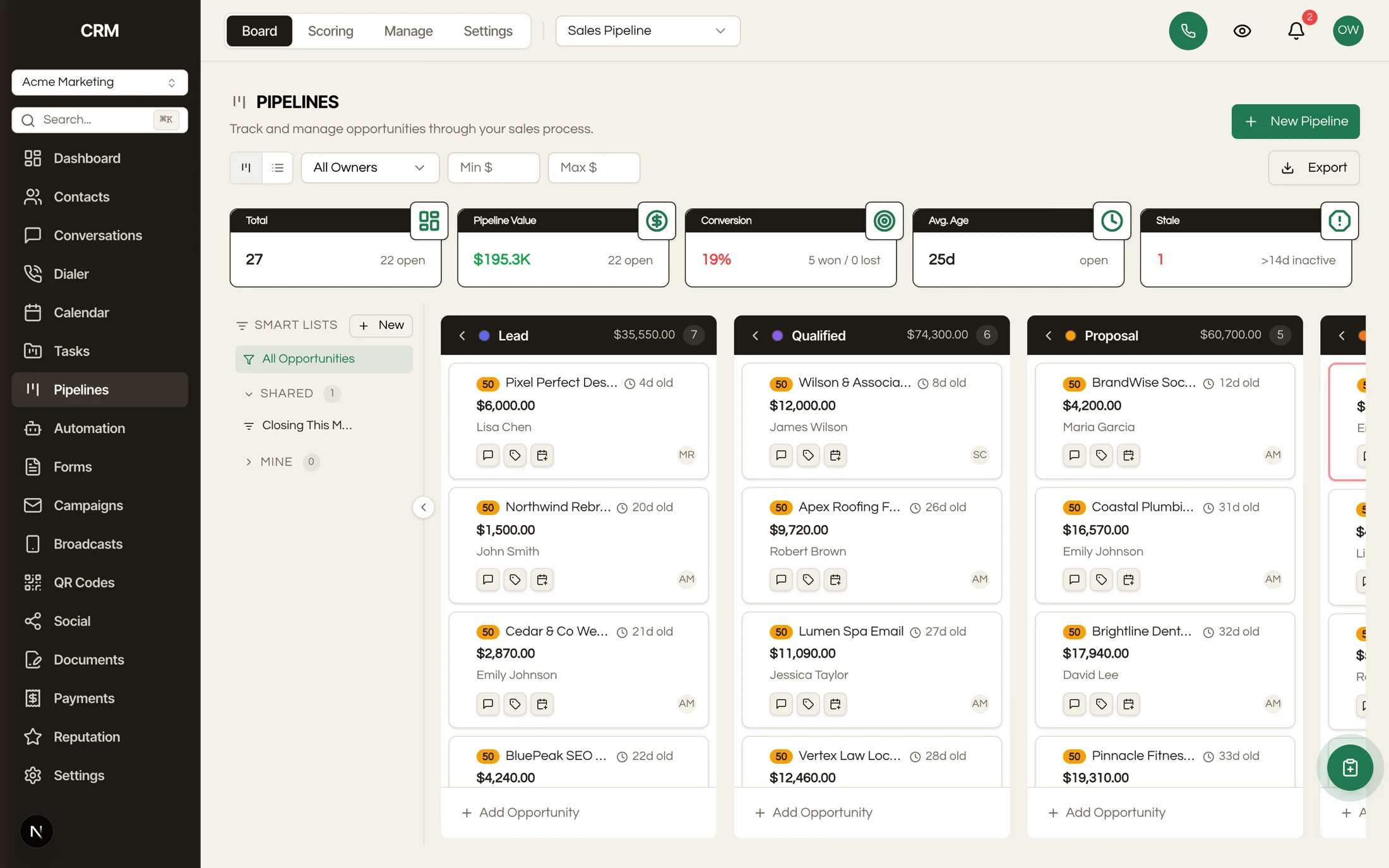
A REAL CRM EXAMPLE
Same foundation.
A different feel.
Switch between existing CRM theme examples to see how the interface takes on a different personality.
Examples change this screenshot only.
- Use settings first
Logos, colors, and business configuration.
- Track your edits
Small changes, saved in version control.
- Review new fixes
Compare changes to customized files.
- Test together
Check your changes before deploying.
OWNING THE SOURCE
Your software.
Your home for it.
The codebase and guides come from Seedly. Your deployment and connected services live in your accounts.
Find your codebaseYour Seedly deployment
Your brand. Your source code.
Hosting and service costs are separate. Check your product’s update access and support terms before purchasing.
BEFORE YOU GET STARTED
A few useful answers.