Agency Settings
Make the handoff your agency's.
Set the agency details that clients see, configure the access information they need, and run the application on infrastructure you control.
Rated 4.7 on Trustpilot





BUILT IN
What you can do.
Agency identity
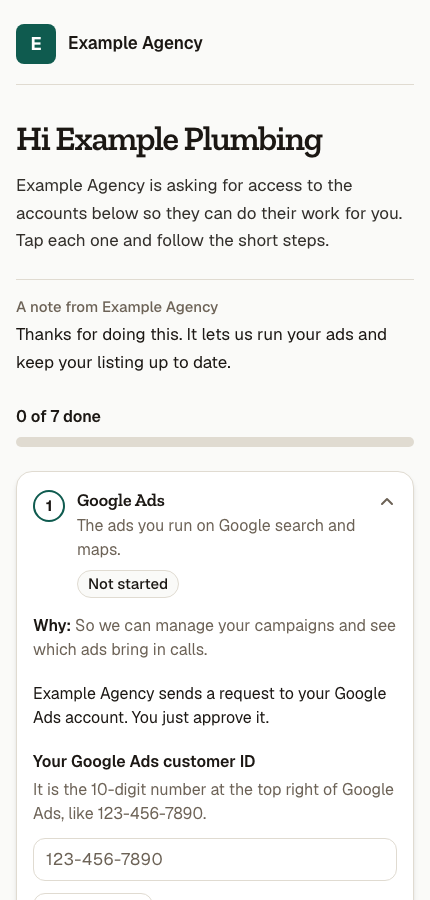
Set the agency name and contact details that appear in client-facing instructions and request pages.
HOW IT WORKS
From setup to everyday work.
Deploy your source
Run the purchased Linkd code on your own Cloudflare account and domain, following the included buyer setup resources.
Set agency details
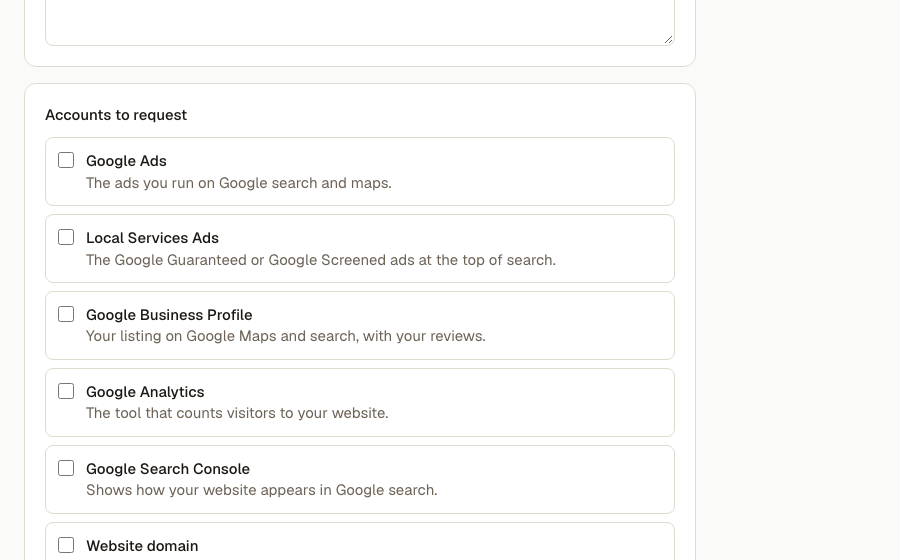
Add your agency name, access email, account identifiers, and the client page style that should appear in requests.
Prepare connections
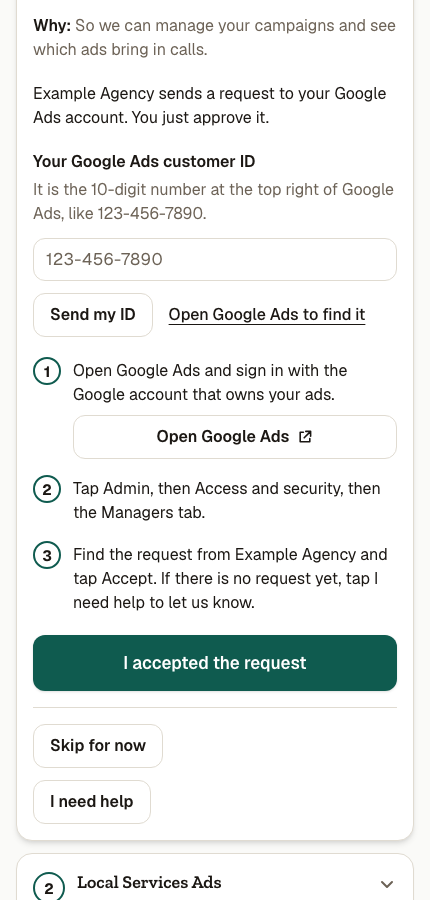
Submit your own Google and Meta apps for review when you want automated connections; guided client steps stay available meanwhile.

Your agency stays in the driver's seat.
The Linkd purchase gives you the application source, not a hosted account. Your team controls its deployment, domain, provider apps, and the details clients see in the access flow.
MORE FROM SEEDLY LINKD
See what else you can do.
A FEW THINGS TO KNOW
Questions about Agency Settings.