SEEDLY CRM
A social media scheduling tool that ships inside a CRM you own outright.
Plan a month of posts on one calendar, publish to Facebook, Instagram, and LinkedIn, then track what worked. No per-seat fee, no monthly scheduler subscription stacked on top.
Rated 4.7 on Trustpilot




At a glance.
Seedly CRM includes a full social media scheduling tool: a calendar planner that schedules and publishes posts to Facebook, Instagram, and LinkedIn (plus X, TikTok, YouTube, Pinterest, and Google Business profiles), with media upload, drafts, bulk upload, a recurring posting queue, comment replies, an approval workflow, and an analytics dashboard. Because Seedly is sold as source code you buy once and own, the scheduler runs across every client sub-account from a single install, with no per-account scheduler fee.
BUILT IN
What you can do.
Calendar planner with drag-to-schedule
A full month calendar shows every scheduled, published, and failed post color-coded by platform and status. Drafts live in a side panel and schedule by dragging them onto a day. Click any empty day to compose for that date. Times are the client's, not your browser's, so scheduling a client in another timezone posts when you meant it to. Deleting a scheduled post pulls it from the platform too, and a post that only reaches some of its platforms says so instead of reading as published.
HOW IT WORKS
From setup to everyday work.
Connect social accounts
Authorize each client's social accounts through a secure connection, keeping every account organized within the sub-account for the business it belongs to.
Compose and schedule
Write posts, add images or video, select networks, and choose a publishing time through the planner, calendar, or recurring queue.
Publish and respond
Posts publish automatically at their scheduled times, then performance numbers and incoming comments return to the same screen for review and replies.

A standalone scheduler is one more subscription that scales with your client count.
If you run 10, 20, or 100 client accounts, a standalone scheduler is one more bill that grows with every account and one more login your team has to babysit. Seedly's planner is part of the CRM you bought outright, so it runs across every client sub-account from a single install with no per-account scheduler fee.
Each client's connected accounts, posts, comments, and analytics stay isolated to that client's sub-account. White-label it per client and the planner carries your brand, not a vendor's. And because you own the source code, the parts an agency actually fights with, the posting cadence, the approval gate, the platforms, are yours to change. When you spin up a new client sub-account, your saved hashtag groups and posting-schedule slots can come along automatically, so a new account is productive on day one.
This is the difference between renting a scheduler and owning one. The enemy is not Buffer or Later specifically; it is the rent model, where the tool that runs your clients' presence is a monthly bill you never stop paying and never get to keep.
MORE FROM SEEDLY CRM
See what else you can do.
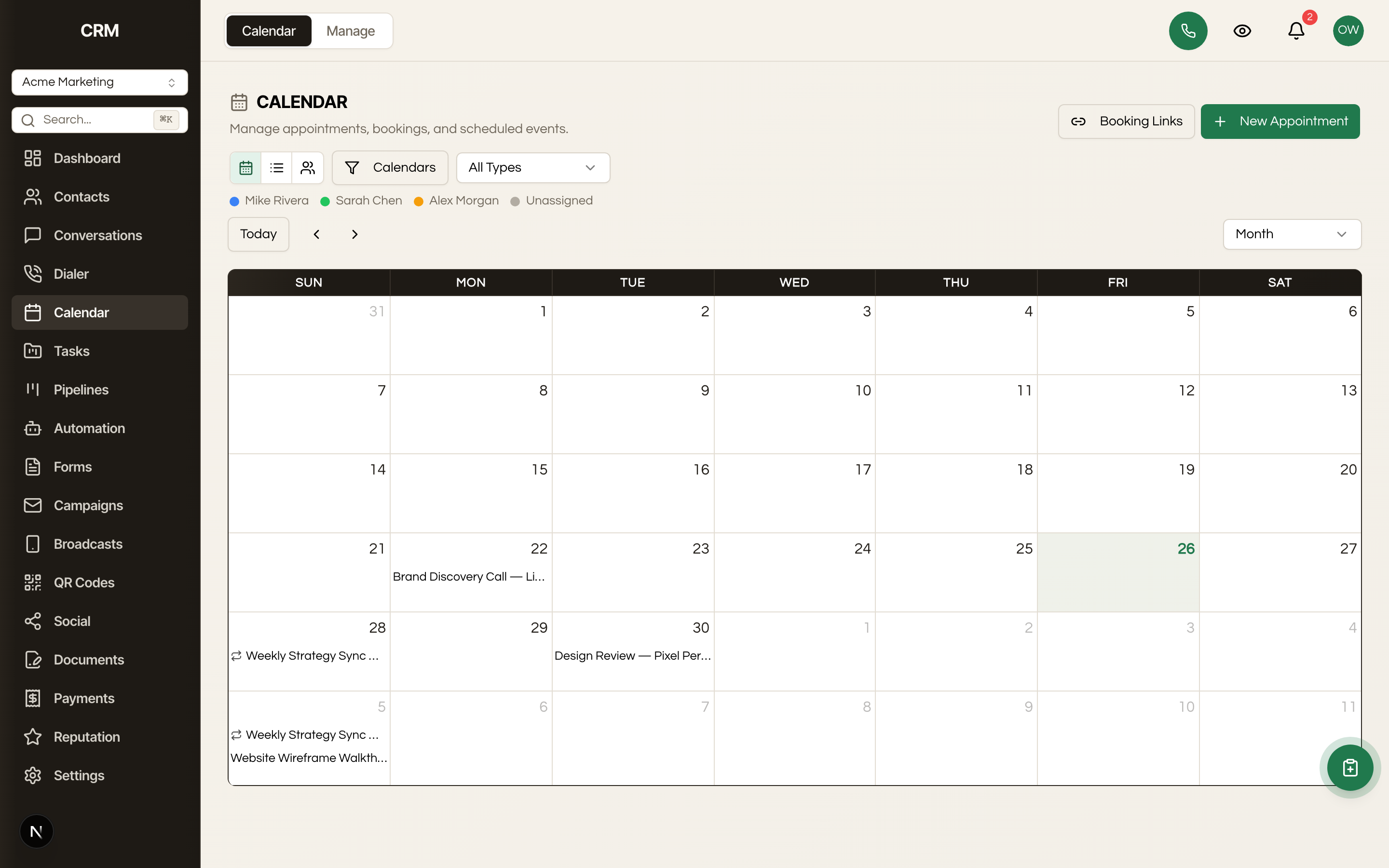 calendars and booking
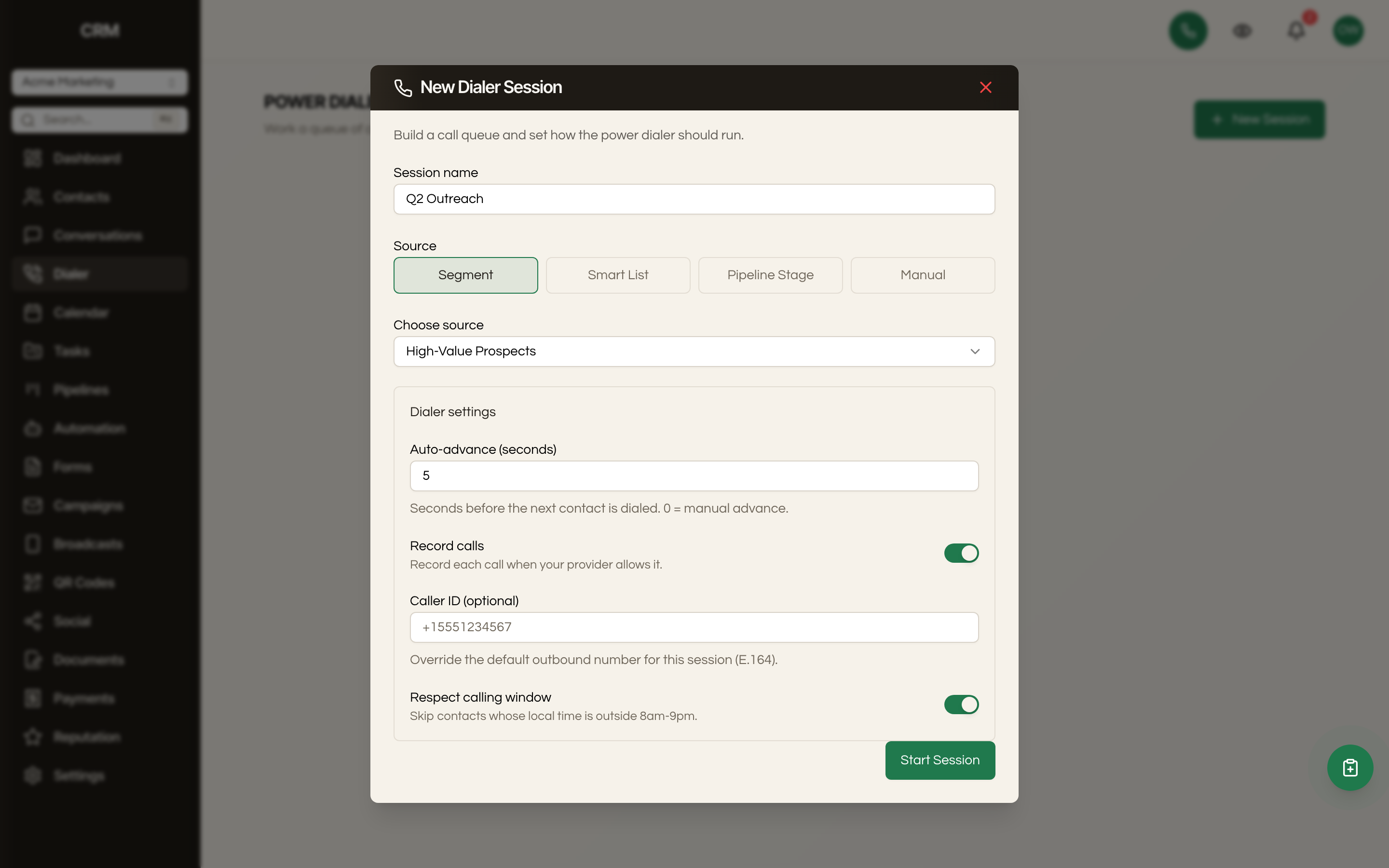 calling
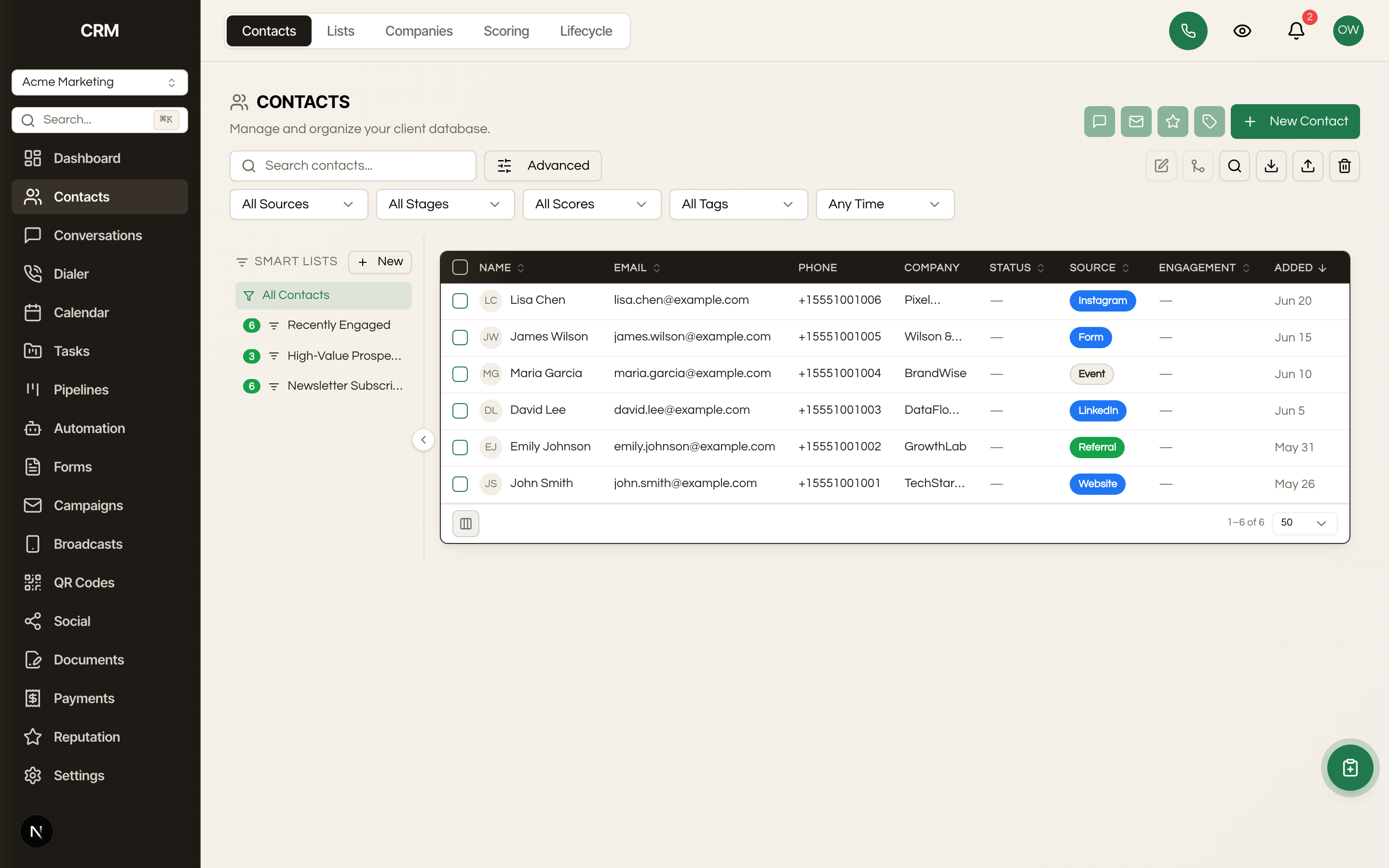 contacts
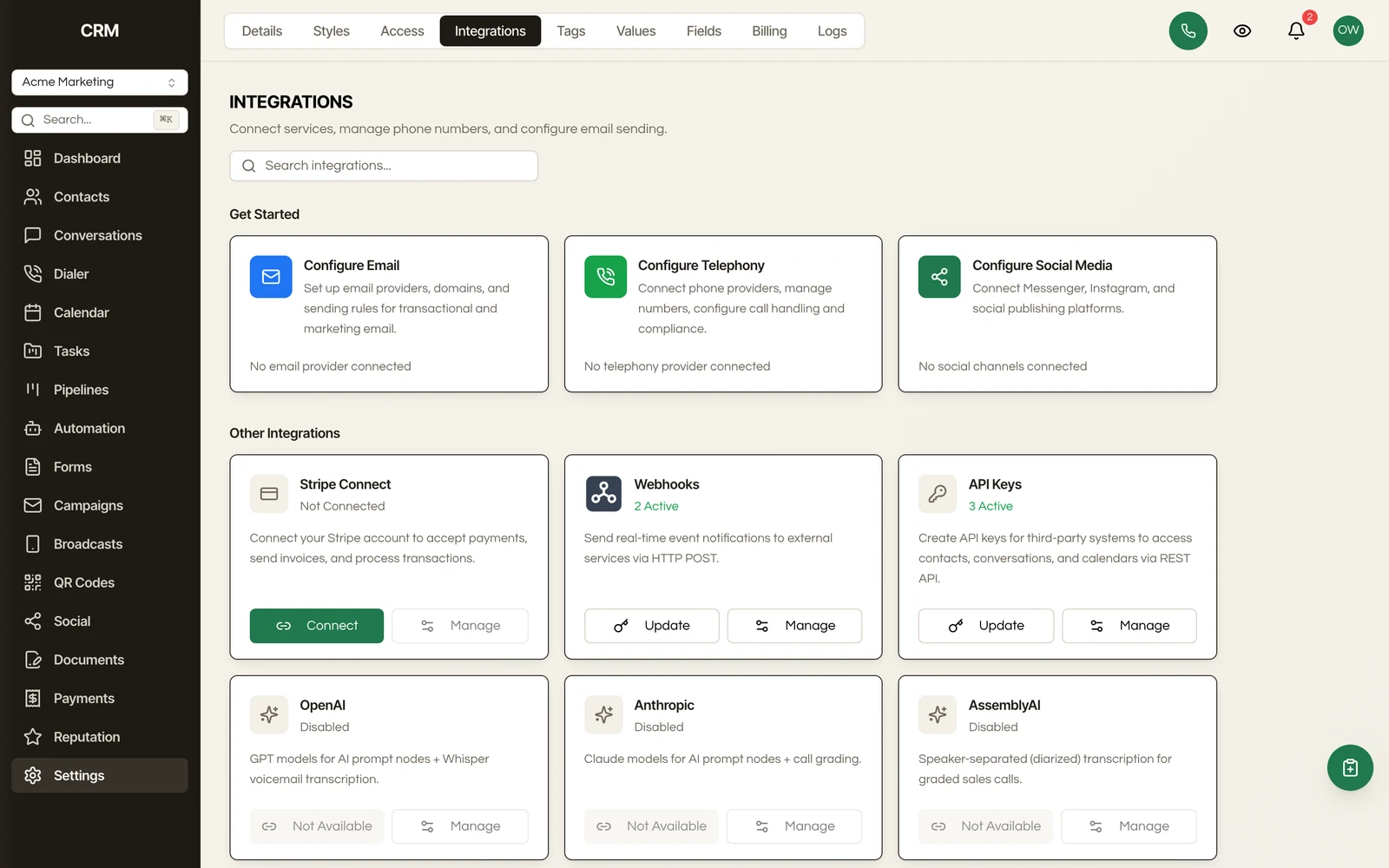 CRM Integrations
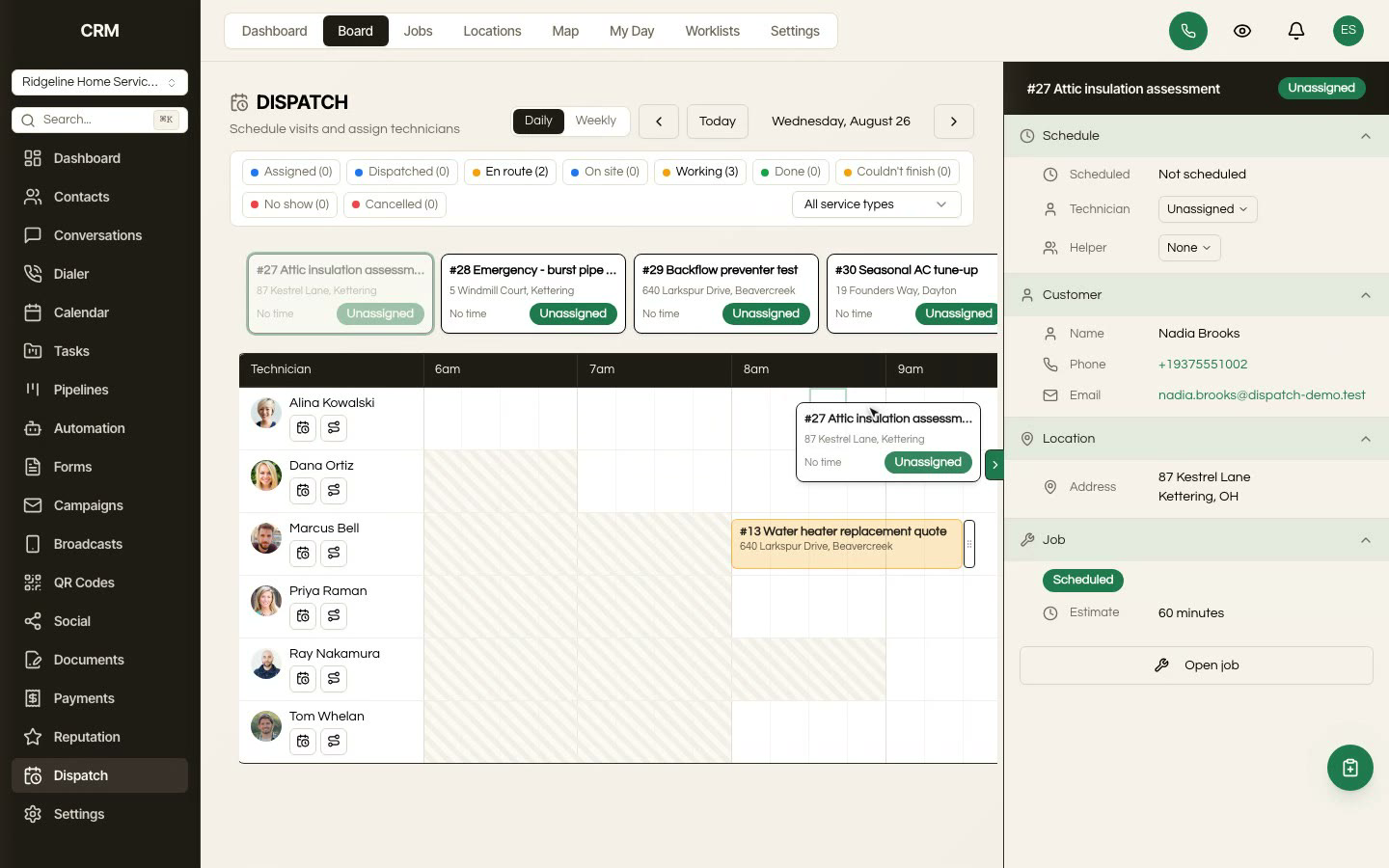 Field Service Dispatch Software
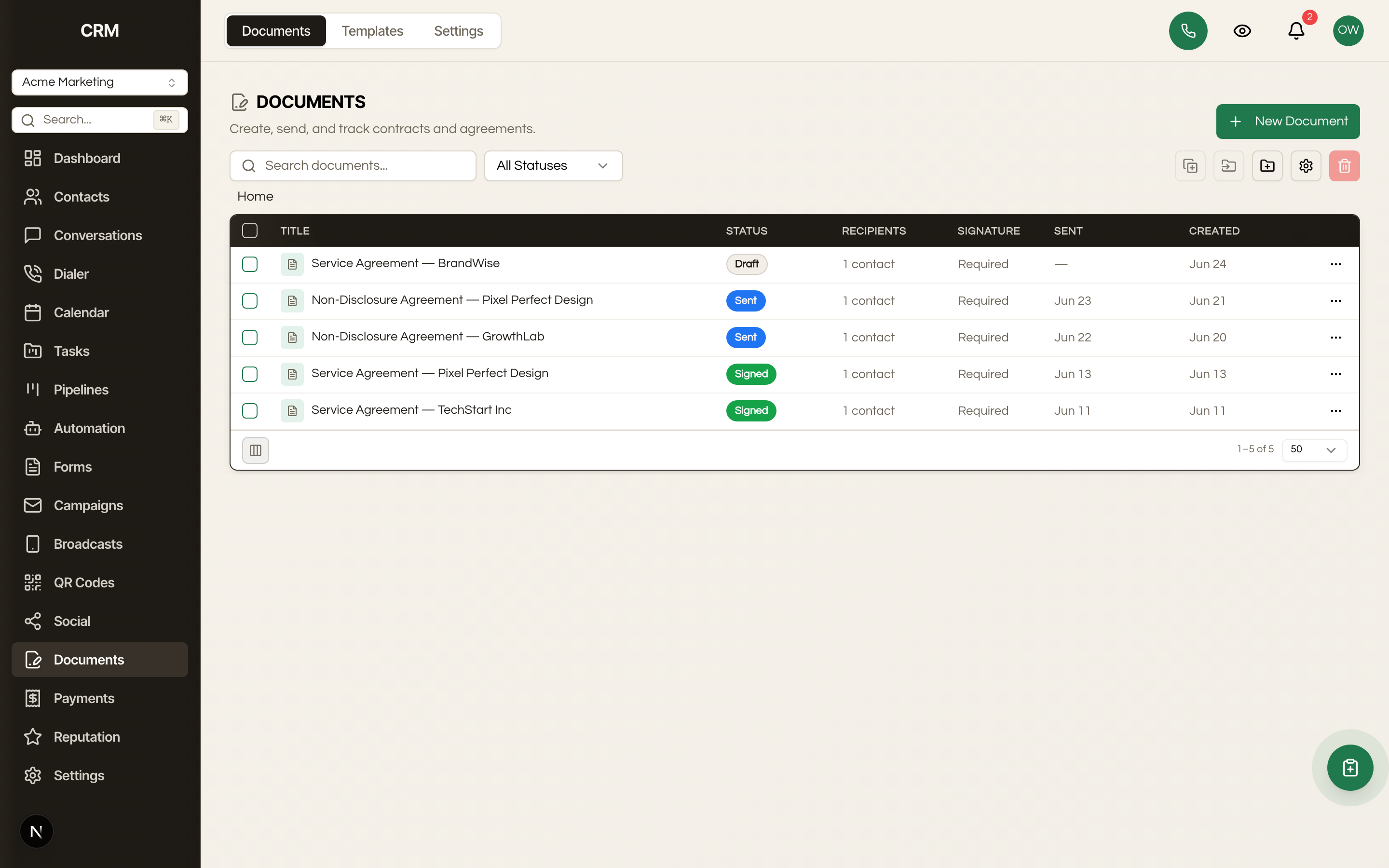 documents and esign
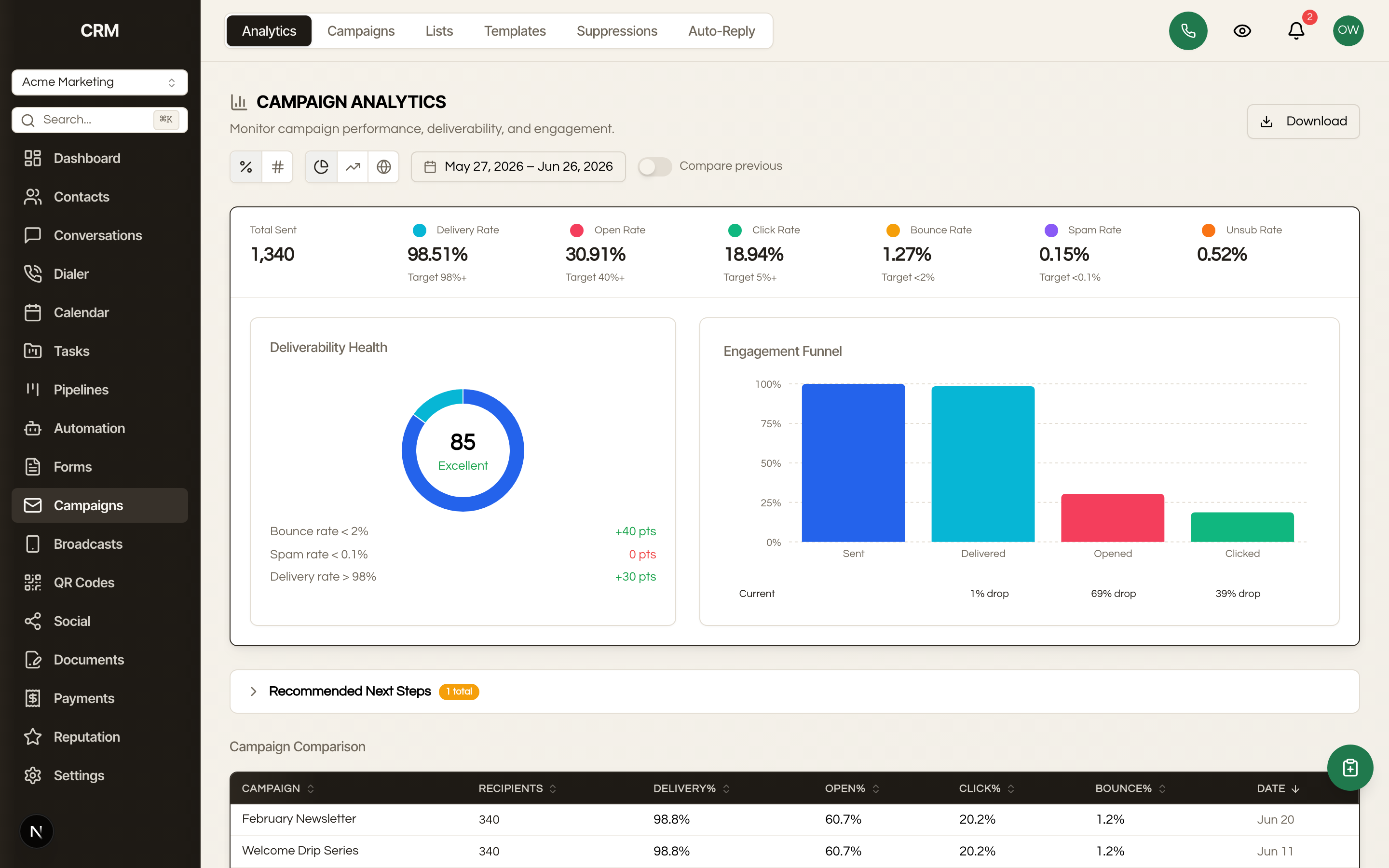 email campaigns
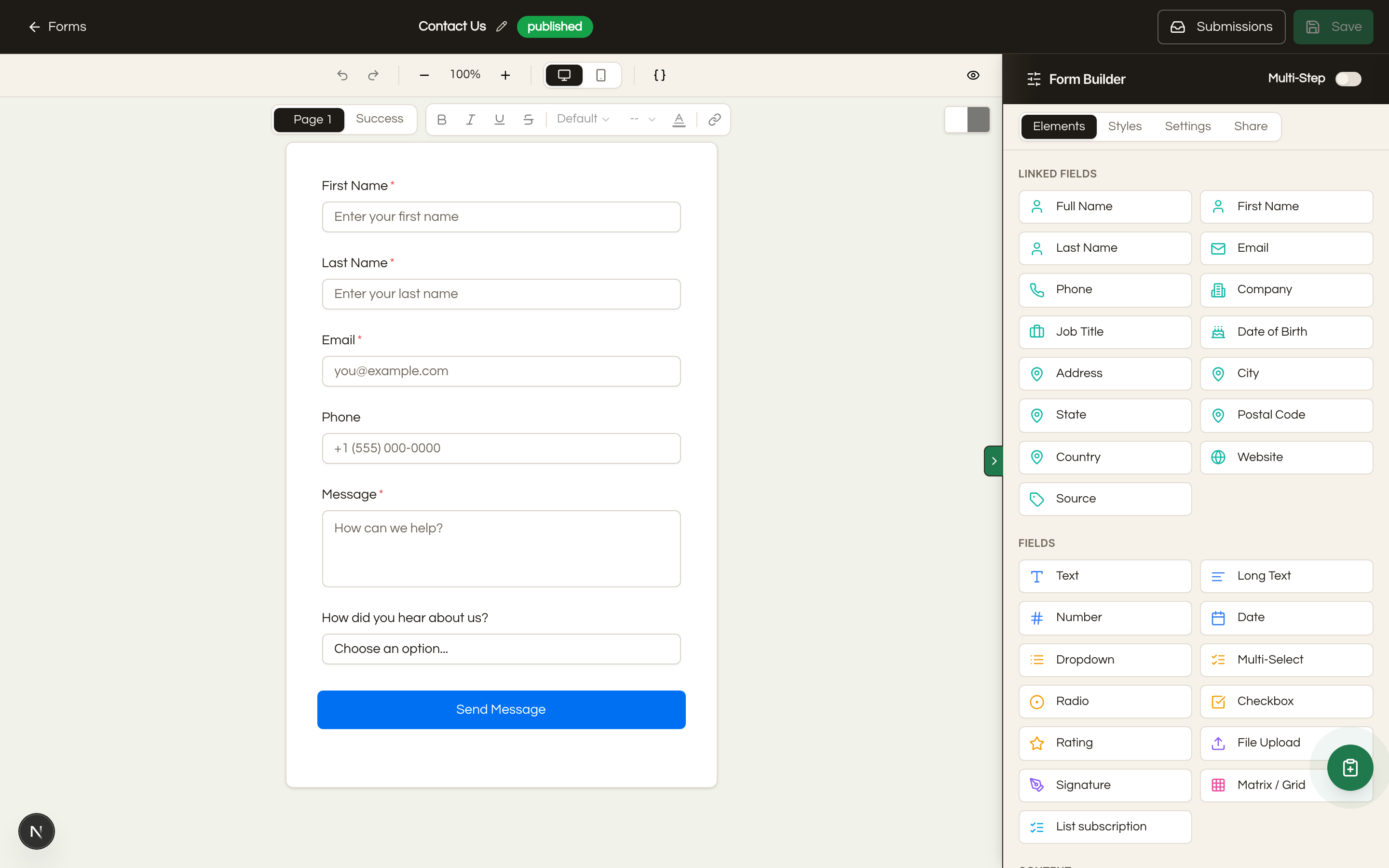 forms and booking
 invoicing and payments
 Live Chat Widget
 qr codes
 reporting and analytics
 reputation management
 sales pipelines
 Client Plans and Billing
 tasks
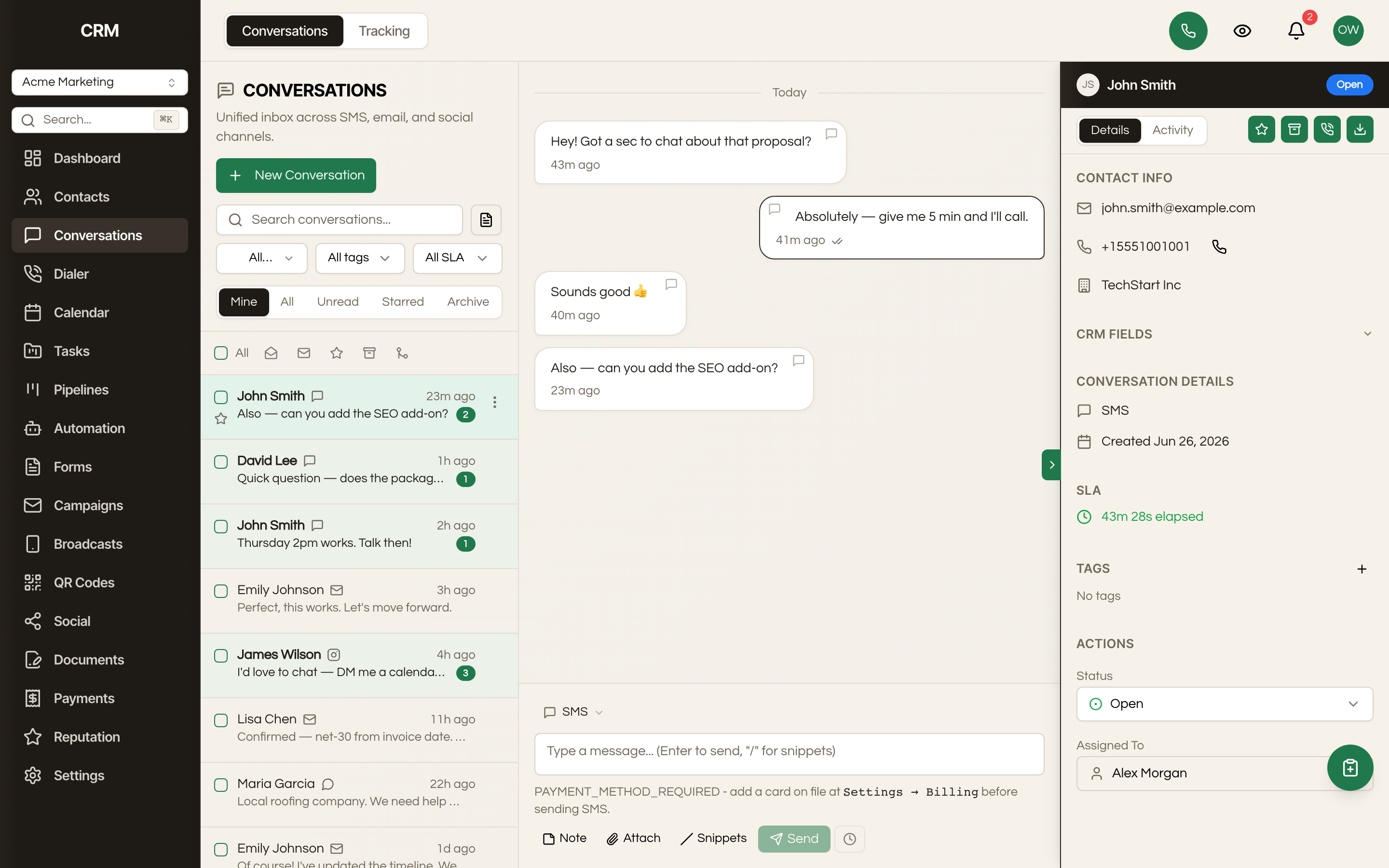 unified inbox
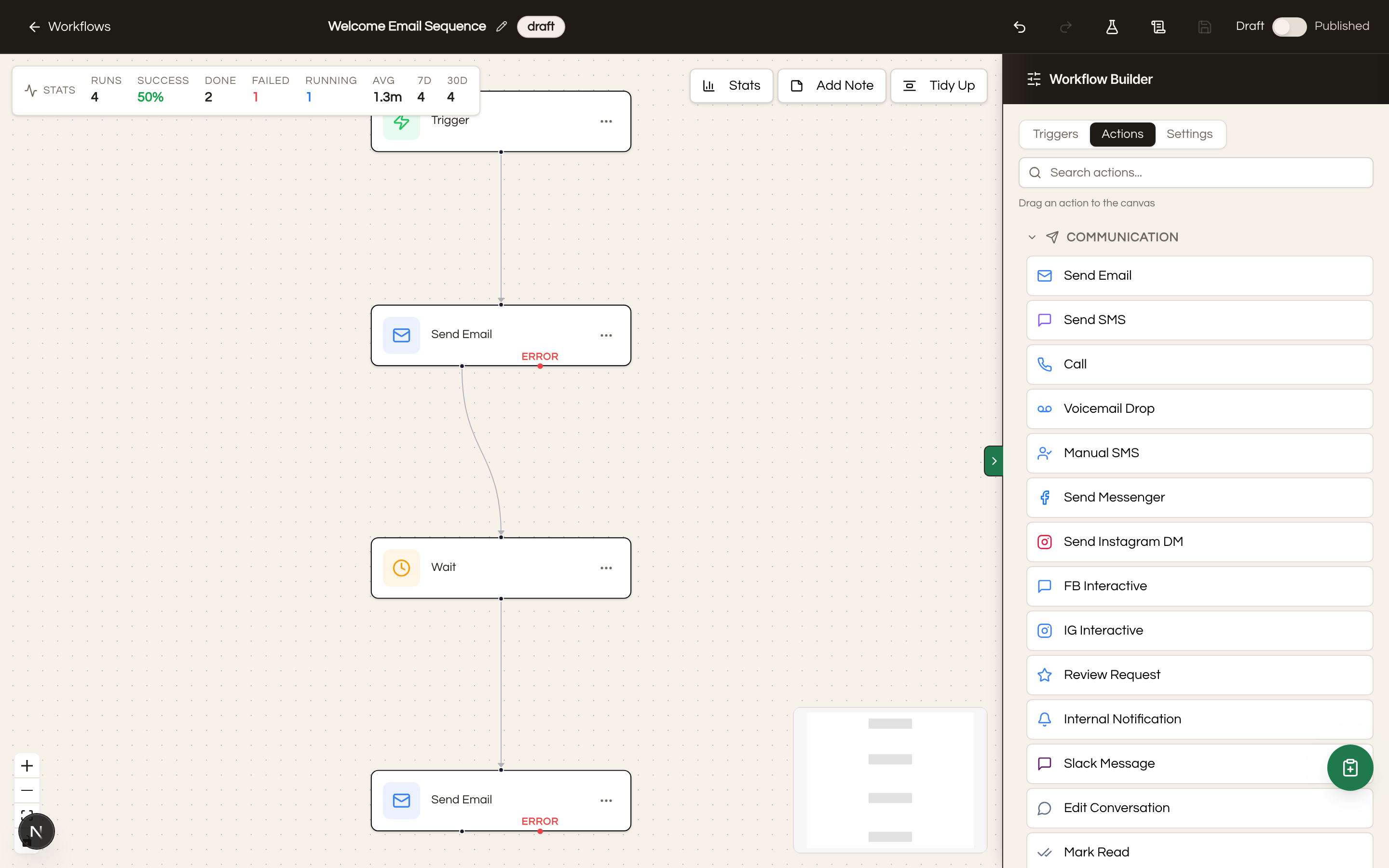 workflow automation
A FEW THINGS TO KNOW
Questions about social media.