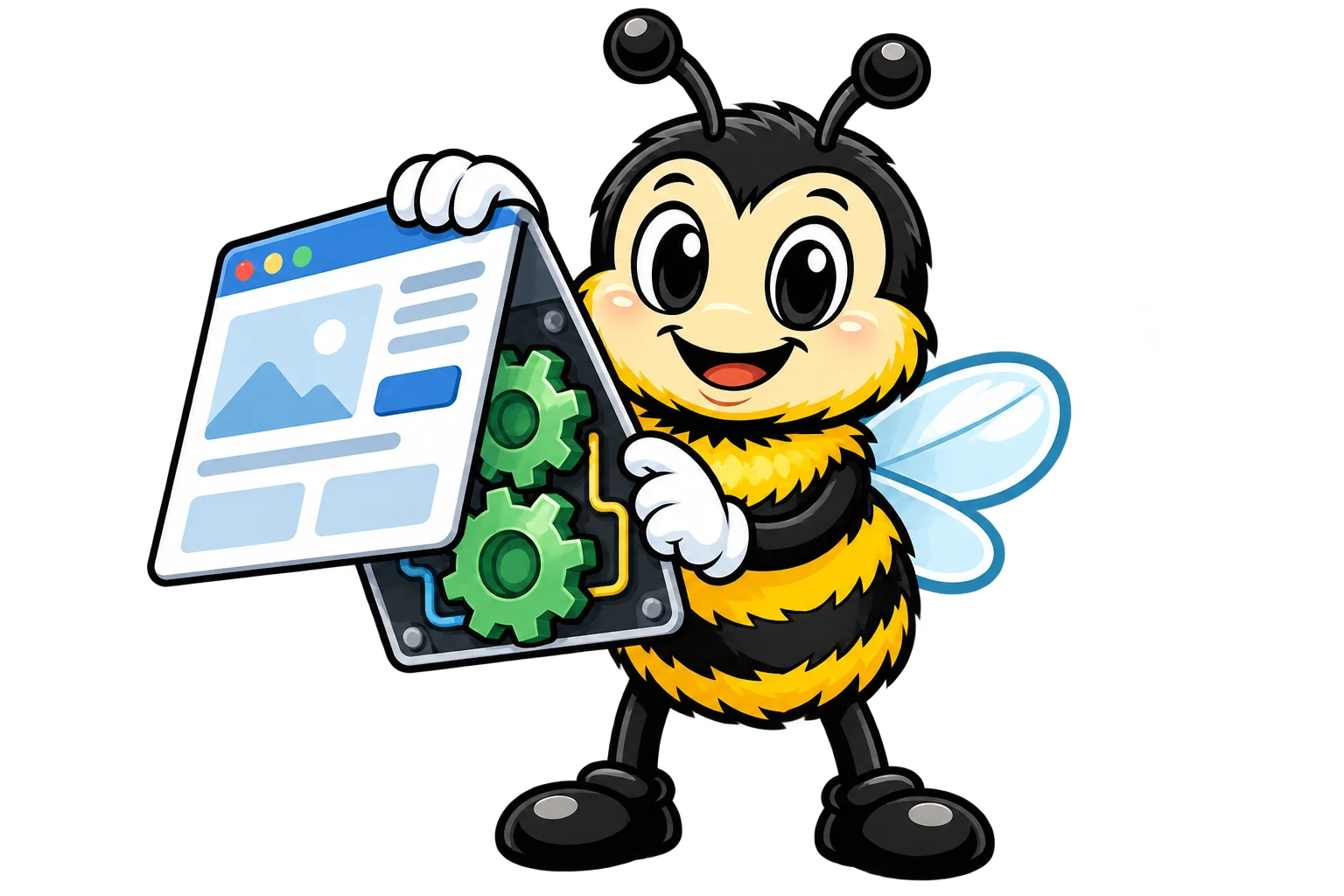
Every website and app you've ever used is really two parts working together. Think about a restaurant. There's the dining room where you sit and eat (the part you see), and there's the kitchen where the food actually gets made (the part you don't).
In web development we call those two halves the frontend and the backend.
Frontend: What You See and Touch
The frontend is everything you interact with on a website or app. The buttons you click, the text you read, the pictures you scroll past and the forms you fill out... all frontend.
Think of It Like a Car Dashboard
A car's dashboard is basically the frontend.
You see the speedometer, fuel gauge and warning lights
You use the steering wheel, buttons and touchscreen
Everything is built to be easy to understand and use
You don't need to know how the engine works to drive the thing
What Frontend Developers Create
The layout of each page (where everything sits)
Colors, fonts and the overall look
Buttons, menus and navigation
Animations and transitions
Forms for typing in information
How the site looks on phones vs. computers
Backend: The Engine Room
The backend is everything happening behind the curtain. It's where the real work gets done, like storing data, handling requests, making decisions and keeping things secure.
Think of It Like a Restaurant Kitchen
The kitchen is your backend.
Customers (users) never see it
It's where the actual food (data) gets prepared
Chefs (servers) follow recipes (code) to make what you ordered
Ingredients get stored safely (databases)
The kitchen juggles a bunch of orders at once
What Backend Developers Create
Databases that store user information
Login systems that check who you are
Logic that handles your orders or requests
Connections to payment systems
Security that protects your data
APIs that let the frontend and backend talk to each other
How They Work Together
Okay, let's watch the frontend and backend team up on some real examples.
Example 1: Logging into Instagram
Step 1. Frontend: Login Screen
You see a clean page with boxes for your username and password. The frontend handles how that looks and grabs whatever you type.
Step 2. Frontend Sends Data to Backend
When you tap "Log In," the frontend sends your username and password over to Instagram's servers.
Step 3. Backend: Verification
The backend checks its database. Is this username real? Does the password match? Is this account even allowed to log in?
Step 4. Backend Sends Response
The backend tells the frontend either "Success! Here's their feed data" or "Wrong password, try again."
Step 5. Frontend: Shows Result
Depending on what the backend said, the frontend either shows your feed or throws up an error message.
Example 2: Watching Netflix
What You Do
Frontend
Backend
Browse movies
Shows thumbnails and titles
Sends list of available content
Click a movie
Shows loading animation
Finds the video file
Watch the video
Plays video on your screen
Streams video data to you
Pause and resume
Shows pause button, tracks where you are
Remembers your progress
Example 3: Online Shopping
Here's how it splits up when you buy something on Amazon.
Frontend handles
Showing product images and prices
The "Add to Cart" button
Your shopping cart display
The checkout form
Backend handles
Checking if items are in stock
Calculating taxes and shipping
Processing your credit card
Updating inventory
Sending confirmation emails
Why This Separation Matters
You might be wondering why anybody bothers splitting it up at all. Why not cram everything into one? Turns out the split is pretty useful.
Security - Sensitive data (passwords, payment info) stays on the backend where it's protected
Speed - The frontend can update quickly without waiting on the backend every single time
Teamwork - Frontend and backend developers can work on their own pieces independently
Flexibility - You can change how a site looks without touching how it works underneath
This split matters for marketing too, believe it or not. One of my hot takes is that a LOT of AI-built sites do all their work on the client side, and Google has a much harder time seeing what's on them. So where the work happens can show up in your rankings (sneaky, right?).
The Full Stack
When someone calls themselves a "full stack developer," it means they work on both the frontend and the backend. They get the whole picture.
You don't need to be a developer at all! Still, understanding this split helps you out.
Know what's actually possible when building apps
Talk to technical folks without getting lost
Figure out where a problem is probably coming from
Make smarter calls about technology
TL;DR
Frontend is what you see and interact with (the client side)
Backend is what happens behind the scenes (the server side)
They talk to each other constantly through requests and responses
The frontend handles design and interaction, and the backend handles data and logic
Knowing this split helps you work with technology a whole lot better
What's Next?
So the backend servers do the heavy lifting. But where do those servers actually live? Next lesson we're looking at "the cloud," and it's way less mysterious than it sounds...