AI CODING TOOLS / LESSON 08
Plan Mode & Development Workflows.
Master the plan-implement-verify workflow
Loading the lesson…
Loading activities…
AI CODING TOOLS / LESSON 08
Master the plan-implement-verify workflow
Loading the lesson…
Loading activities…
Claude Code comes with a handful of development workflows baked right in. This lesson goes deep on Plan Mode, then covers proven patterns for TDD, debugging and git.
I grew up working construction with my dad, and his whole deal was simple... do it right or don't bother doing it at all. Plan Mode is that same idea, just for code.
Toggle. Press Shift+Tab to cycle through the permission modes until the status bar says plan mode is on, and keep pressing to leave it. You can also type /plan in front of a single prompt to jump straight in.
In Plan Mode, Claude does four things.
When to use Plan Mode.
When NOT to use Plan Mode.
This is the workflow to use for anything that isn't trivial.
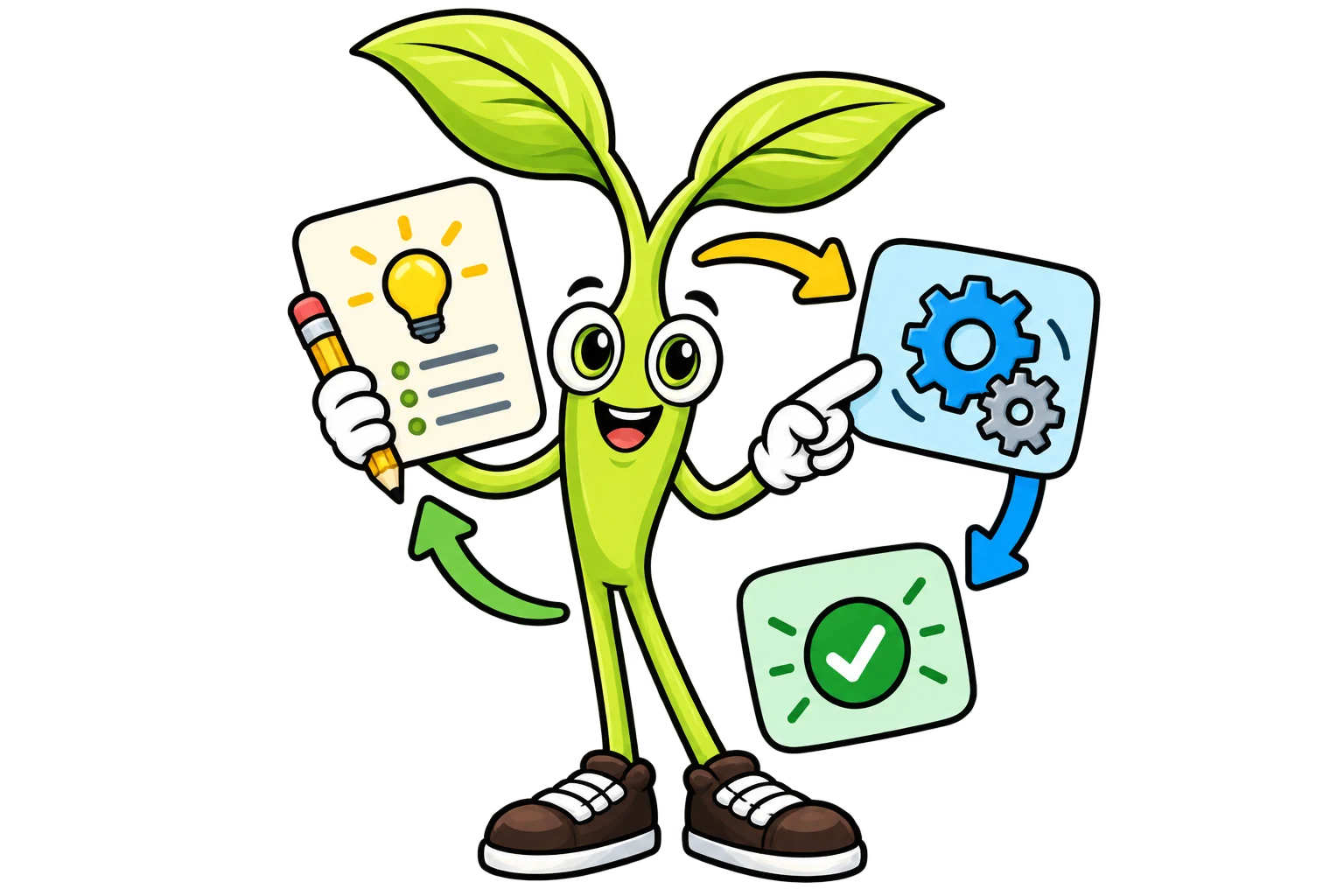
Describe your goal. Let Claude poke around and propose an approach. Review the plan, ask questions and tighten it up.
When the plan is ready, Claude asks how you want to proceed. Pick one of the "Yes" options (auto mode, or approving each edit yourself) and Claude leaves Plan Mode and builds out the plan. Pick "No, keep planning" to send it back with notes.
Claude runs tests, builds or other checks. Look over the output, and if something's off, tell it.
This workflow heads off the most common failure out there... Claude building the WRONG thing and then having to rip everything back out.
Test-Driven Development works really well with Claude.
Describe the behavior you want as tests. Give Claude the test file and the expected assertions.
Tell Claude "Make these tests pass. Don't modify the test file." Now it has a crystal clear target.
Once the tests pass, ask Claude to clean up the implementation while keeping the tests green.
Why TDD works well with Claude.
When you're hunting down a bug, go in this order.
Give Claude the exact steps, the error message and the conditions. "This TypeError happens when clicking Submit on the checkout page with an empty cart."
Ask Claude to find where the error starts, and hand it the stack trace if you've got one. "Find where this null reference occurs in the checkout flow."
Once it's pinned down, ask Claude to fix it. Throw in a constraint like "Fix this without changing the public API."
"Run the tests" or "Build the project" to make sure the fix didn't break something else.
Claude Code has full git integration. Here are the moves you'll use most.
Claude stages the relevant files, writes a commit message based on what changed, and creates the commit.
Claude uses the gh CLI to create PRs with proper titles, descriptions and linked issues.
Real work usually mixes a few of these patterns together.
That's a full feature delivery cycle, from idea to a PR somebody can review. Measure twice, cut once (dad would be proud).
/plan) gets you into Plan Mode so you can explore before acting